PostMate - Social Post Creator
Browse the guide below to find answers. If you can't find what you need, get in touch and we'll help you out.
This screen allows you to customize the visual style of your post, including the colors, fonts, and layout to match your brand.
This screen allows you to import app metadata to use in your social media posts. You'll see this screen after selecting the 'Content' option from the main navigation.
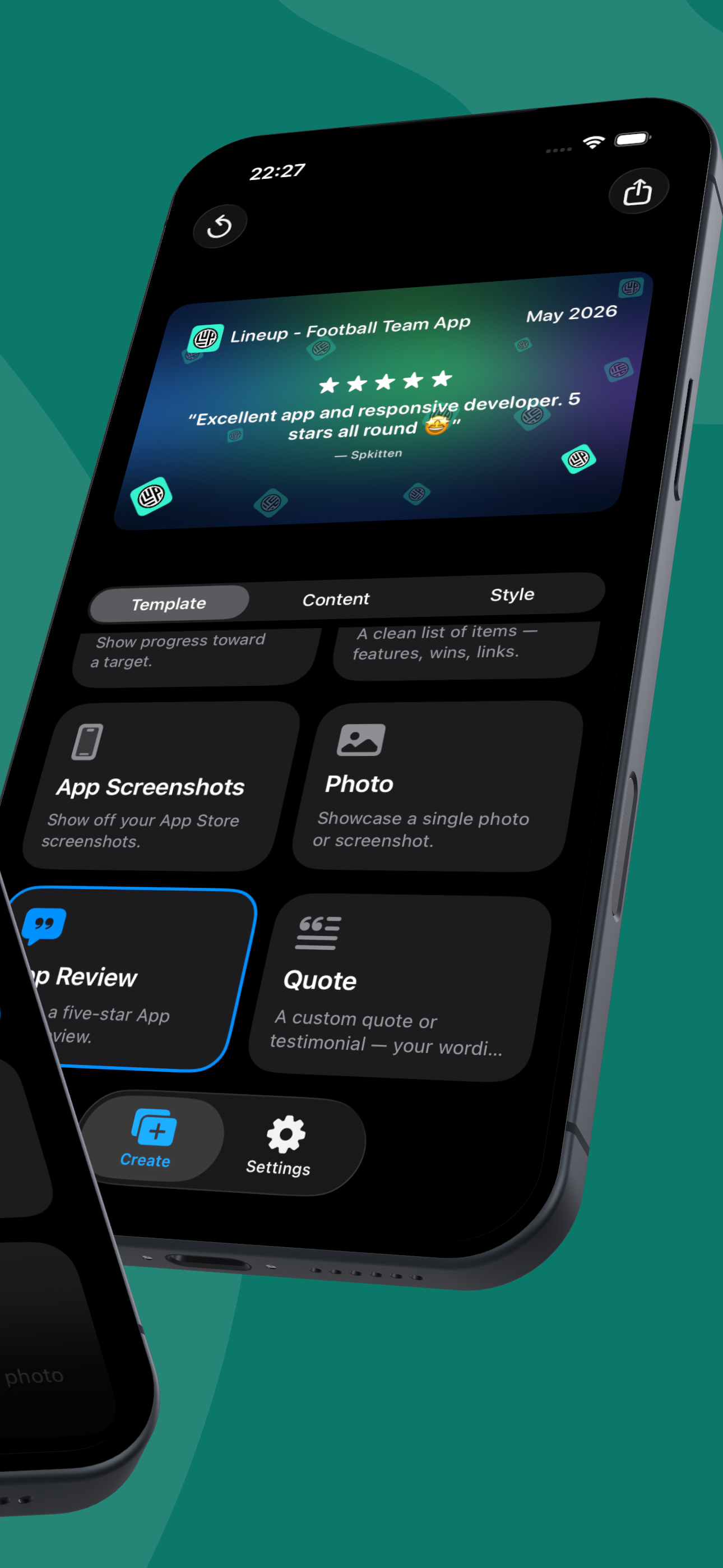
This screen helps you transform five-star app reviews into social media posts. Customize the review's appearance and content, then share it to your favorite platforms.
This screen lets you adjust the look and feel of your post. Customize the decoration of your post, including platform logos, sizes, and colors.
This screen allows you to customize the visual style of your post. You can adjust colors, fonts, and layout to match your brand.
This screen allows you to add emoji to customize your posts. Emoji can add personality and visual interest.